Model Information
The Model Information module is a critical component of our product that provides valuable insights into trained machine learning (ML) models. This documentation offers comprehensive guidance on how to effectively utilize the Model Information module to manage and publish trained ML models.
Accessing Model Information
To access the Model Information page, follow these steps:
In the main menu, under Application Setup, click Model Information. The Model Information page opens.
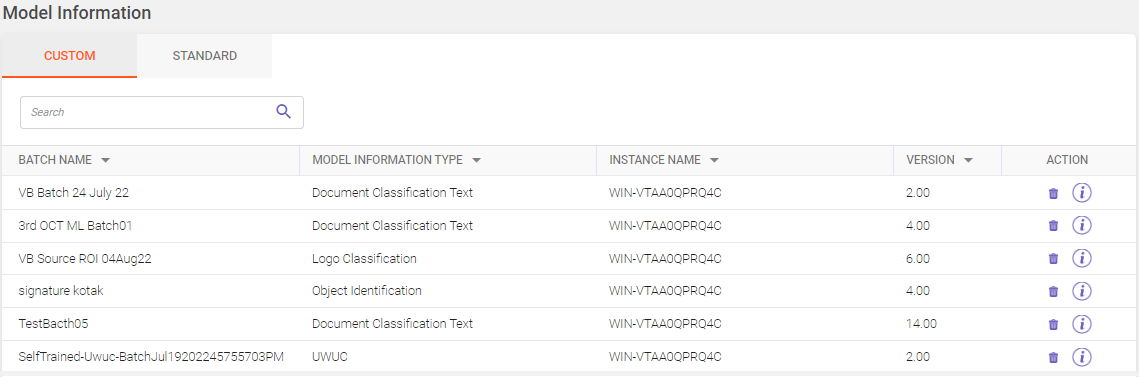
Following tabs are available on the Model Information page:
-
Custom
-
Standard
Click on the buttons inside the tabbed menu to know more.
Displays the list of custom machine learning models published for a specific batch. Utilize the Search field to filter and find specific records within the displayed grid. (Refer searching data).
Column header descriptions
|
COLUMN NAME |
DESCRIPTION |
|---|---|
|
Batch Name |
Displays the batch name associated with the machine learning model. |
|
Model Information Type |
Displays the type of ML model. |
|
Instance Name |
Displays the name of the ML model instance. |
|
Version |
Displays the version of the ML model. |
|
Action |
Displays the delete |
 icon to remove the ML model and view report
Deleting ML model
To delete a ML model, follow these steps:
-
Click
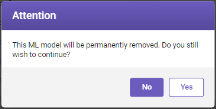
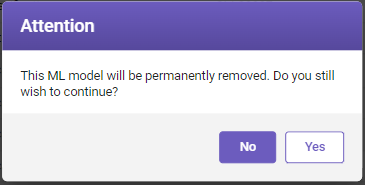
 under Action column, a Attention window opens.
-
Click Yes to permanently remove the ML model from the list.
Viewing report
To view report, follow these steps:
-
Click
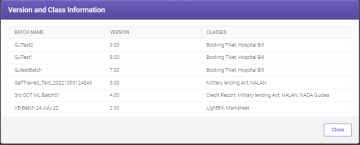
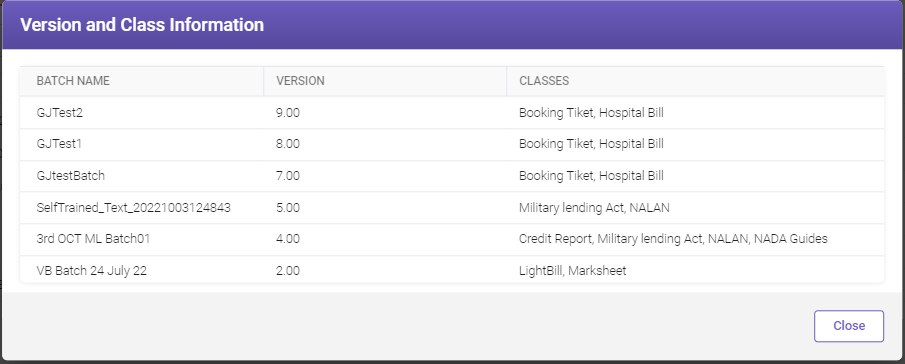
 under Action column, a Version and Class Information window opens. It displays the list of trained versions and classes.
-
Click Close to close the window.
Displays the list of standard ML models. The Search field allows you to search for the required records displayed in the grid based on the search criteria entered (Refer searching data).
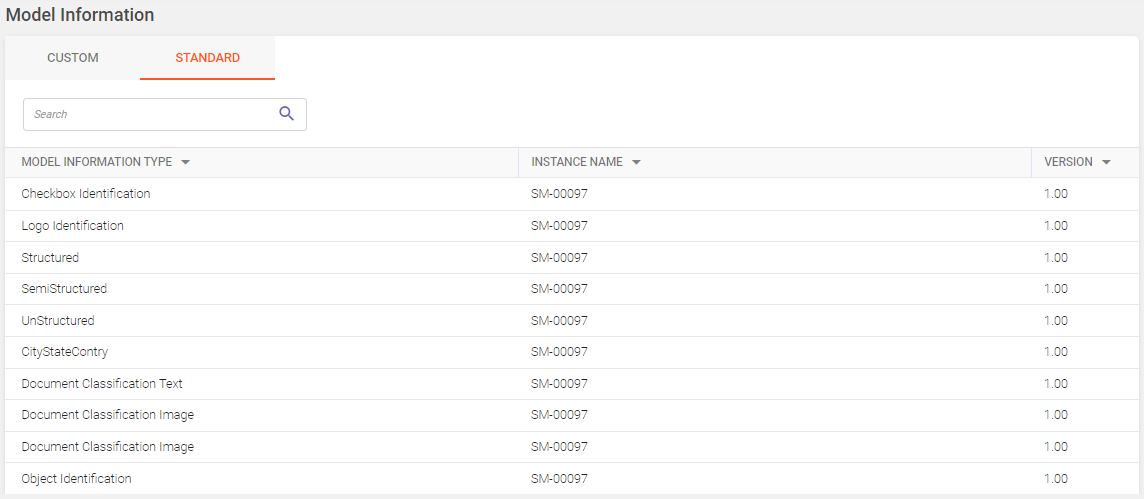
Column header descriptions
|
COLUMN NAME |
DESCRIPTION |
|---|---|
|
Model Information Type |
Displays the type of ML model. |
|
Instance Name |
Displays the name of the ML model instance. |
|
Version |
Displays the version of the ML model. |
Note:
-
When an ML model is removed from the model information page; it's status is shown as Model Removed in the model metrics screen.
-
If an ML model is incremented, creating a new model appending the previous model's learnings, the older model's status is shown as Unpublished in the model metrics screen.
-
A removed ML model cannot be re-published, whereas an ML model with Unpublished status can be re-published.